
What DPI Do You Need for Large-Format Printing?
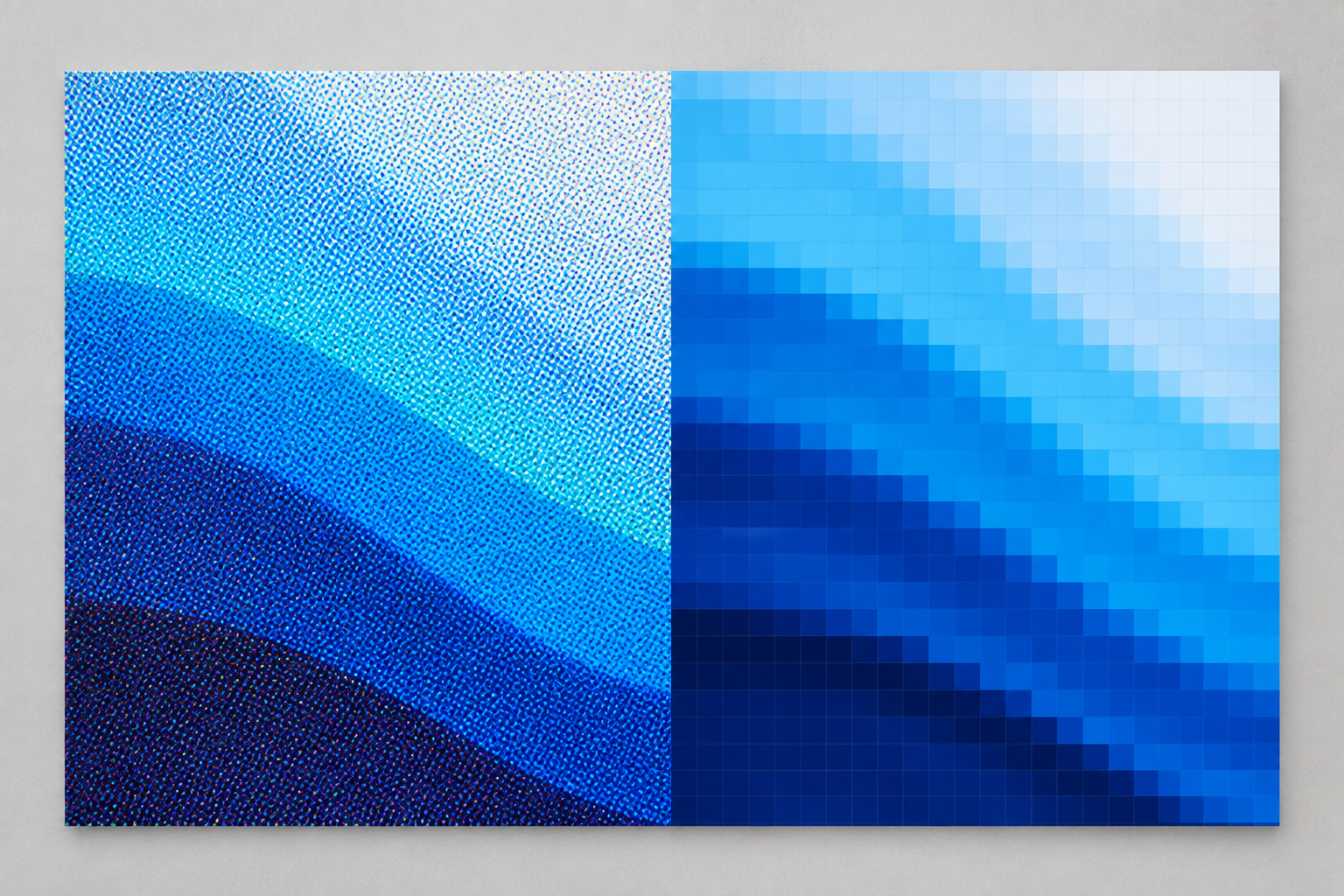
Most large-format prints need far less DPI than the "300 DPI" rule most people learned from small prints. For most architectural and engineering work, the real number falls somewhere between 100 and 200 DPI, depending on viewing distance and what's actually in the file.
Most guides stop there, at a vague range. This one doesn't. If you're choosing between a color rendering and a line drawing, or trying to check a file before it goes to print, the sections below give you real numbers instead of another range.
DPI vs. PPI: The Difference That Actually Matters

PPI stands for pixels per inch. It's a property of the image file itself: how many pixels are packed into each inch at a given print size. DPI stands for dots per inch. It's a printer property: how many individual ink dots the print head lays down per inch.
People use these terms interchangeably, but they measure different things. Here's the part most explanations skip. A printer builds each pixel of your image from several ink dots through a process called halftoning. SBR's own HP DesignJet XL 3800 and XL 3600, for example, are both rated at 2400 x 1200 dpi. That doesn't mean either machine needs a 2400 PPI file to print sharp. The printer's dot density is a hardware spec. Your image's PPI is a separate number, and a much lower one, that's relevant to file preparation.
So when someone asks "what DPI do I need," they're usually really asking about PPI: how many pixels your file needs, at your intended print size, for the print to look sharp. This guide answers that.
How DPI Works for Architectural Renderings

Purpose matters more than a flat number. A rendering headed for print needs real pixel density. The same rendering headed for a website or a digital presentation doesn't, since a screen displays pixels directly and DPI never enters the equation.
Scene complexity plays a role too. A detailed exterior rendering with fine texture work, landscaping, and material detail benefits from more resolution than a simple massing study or a schematic diagram. The image has more information for the eye to resolve.
File size is the trade-off. Rendering or exporting at a higher DPI than a project needs means longer processing time and heavier files, without a visible improvement once you're past the resolution your eye and your print size need.
If your firm regularly moves between construction documents and client-facing renderings, our Architectural Printers page covers the two HP DesignJet models built to handle both on the same machine.
Viewing Distance Changes the Answer

How far away something is changes how much resolution it needs. There's a real formula behind this: minimum PPI is roughly 3438 divided by the viewing distance in inches. A typical viewing distance for a print is about 1.5 to 2 times its diagonal measurement.
That formula changes depending on what you're printing. A construction document gets read at arm's length, sometimes closer, on a job site or at a desk. That's a short viewing distance, which means it needs real resolution to hold up to close inspection.
A presentation rendering mounted on a wall or held up in a client meeting is usually viewed from a few feet away. The formula allows for meaningfully lower resolution at that distance without any visible loss of sharpness.
This is the reason "it depends" is a fair answer, and also why it doesn't have to stay vague. Once you know how the file will be viewed, the number stops being a guess.
Our CAD & Engineering Printers page covers the line-accuracy side of this equation in more depth, for firms whose work is construction documents without the rendering side.
A Quick Self-Check Before You Print

Here's a simple way to check a file before sending it to print, without opening design software or guessing.
Effective DPI equals the pixel width of your file divided by the intended print width in inches.
Say a rendering is 6,000 pixels wide, and you're printing it at 36 inches wide. That's 6,000 divided by 36, which comes out to about 166 DPI. Solid for a presentation rendering viewed from a few feet away. Too low if that same file were meant to be read up close as a construction document.
Standard sheet sizes make this even easier to sanity-check. An ARCH D sheet is 24 by 36 inches. A file meant to fill that sheet at a reasonable resolution needs somewhere around 3,600 to 7,200 pixels on its long edge, depending on how close the final print will be viewed. Our Blueprint Paper Sizes Explained guide covers the standard sizes this math gets applied to.
DPI Quick Reference by Print Type
Getting image resolution right for large-format printing always depends on viewing distance and content, but here's a practical starting range for the print types architecture and engineering firms produce most often.
| Print Type | Typical DPI Range | Why |
|---|---|---|
| Construction line drawings | 200-300 | Read up close; fine linework needs to stay crisp |
| Presentation renderings | 150-200 | Viewed from a few feet away; color and detail matter more than line-level precision |
| Posters | 100-150 | Viewed from several feet away |
| Banners | 50-100 | Viewed from a distance, often outdoors |
What DPI Do You Need FAQs
What's the difference between DPI and PPI?
DPI measures how many dots of ink a printer lays down per inch. PPI measures how many pixels an image file packs into an inch. People use them interchangeably, but DPI is a printer spec, and PPI is a property of your file.
What DPI do I need for large-format printing?
For most large-format prints, 100 to 200 DPI is enough, depending on viewing distance and how much detail the print contains. Construction documents read up close need more; posters and banners viewed from a distance need less.
What's the minimum DPI for large-format printing?
No single minimum applies everywhere. Using the viewing-distance formula, a banner viewed from 10 feet away can look sharp at well under 100 DPI, while a document read at arm's length needs closer to 200-300.
What DPI should I use for architectural renderings?
150 to 200 DPI generally covers presentation renderings printed for client meetings. Renderings meant only for screens or digital presentations don't need a print DPI.
What DPI do I need for a poster?
100 to 150 DPI is a reasonable range for most posters, since they're typically viewed from several feet away rather than up close.
What DPI do I need for a banner?
50 to 100 DPI usually covers banners, which are viewed from a distance and often outdoors, where higher resolution doesn't add visible sharpness.
How do I check my file's DPI before printing?
Divide the pixel width of your file by the intended print width in inches. That gives you the effective DPI. If the number is lower than your print type needs, re-export the file at a higher resolution rather than just resizing it.
Does viewing distance affect what DPI I need?
Yes, more than almost anything else. The same file can look sharp at a low DPI viewed from across a room, and soft at a much higher DPI viewed up close. Matching DPI to viewing distance is the real question behind "what DPI do I need?"
