
Blueprint Paper Sizes Explained: ARCH D, ARCH E, and ANSI D
You pull up a plan set, and the title block lists one size. Your printer is set up for another. Blueprint paper sizes follow a handful of established standards. Two of those standards sit close enough together that mix-ups happen all the time.
This guide covers the sizes that matter most for construction and architectural work. It starts with ARCH D and ARCH E, then covers where ARCH E1 fits between them, why ANSI D keeps getting confused with ARCH D, and what a true half-size print actually means.
SBR is an authorized HP DesignJet dealer for Utah. Ensuring sizing plan sets correctly is part of the job every day.
The Two Sizes That Cover Most Construction Sets: ARCH D and ARCH E
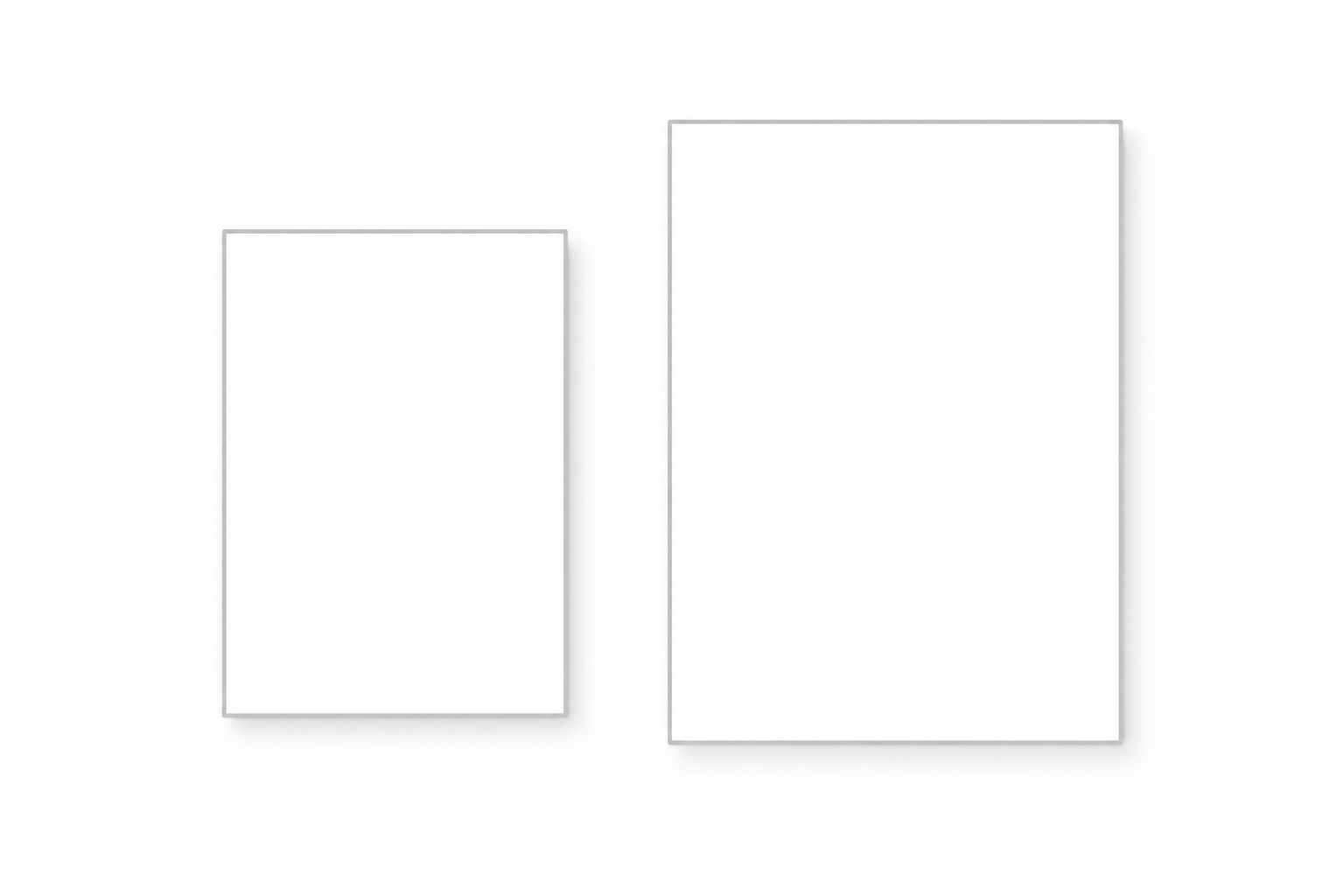
ARCH D measures 24 inches by 36 inches. It's the standard full-size sheet for construction documents in the US. Floor plans, elevations, sections, and most detail sheets print at this size by default.
Most firms stick with ARCH D unless a project needs more room. A large commercial site plan with dozens of buildings, or a civil drawing packed with dense linework, can outgrow a 24×36 sheet fast.
ARCH E measures 36 inches by 48 inches. It's the size for large-format site plans, big presentation boards, and any drawing where ARCH D would force the scale down too far to stay legible.
The choice between the two comes down to content. If a drawing fits cleanly on ARCH D at a readable scale, there's no reason to move up. If it doesn't, ARCH E is the standard next step.
Where ARCH E1 (30"×42") Fits Between Them
ARCH E1 measures 30 inches by 42 inches. It sits between ARCH D and ARCH E, offering more drawing area than a standard D sheet without the bulk of a full E-size print.
Some firms prefer ARCH E1 for site plans specifically. It fits a full property with setbacks and utilities without needing a 36×48 sheet. It's a standard order size, listed directly on most title blocks.
ANSI D vs. ARCH D: Why These Get Mixed Up

ANSI D measures 22 inches by 34 inches. ARCH D measures 24 inches by 36 inches. Two inches smaller on each side. Close enough to grab the wrong one without noticing. Different enough that a printed sheet from one won't match a printed sheet from the other.
Software defaults are usually the real reason for the mix-up. Revit's default sheet size is ANSI D. AutoCAD's default is ARCH D. Two firms working on the same project, one in each platform, can produce drawings that look identical on screen and print two inches apart.
Before ordering prints for a set you didn't create yourself, check the title block or the file's page setup. It takes thirty seconds and saves a reprint. If you're unsure which standard a project uses, a quick call to whoever built the drawings settles it faster than guessing.
Half-Size Prints: 11"×17" Isn't Always a True Half

Field crews and reprographics shops commonly reduce full-size sets to 11×17 for portability. It fits in a binder, a truck cab, or a site box, and most people can still read it.
Here's the part that gets glossed over. 11×17 is a true, proportional half of ANSI D. Cut 22×34 exactly in half and you land on 11×17, with the same aspect ratio and no distortion. ARCH D doesn't reduce as cleanly. Its true half is 12×18, at the same 2:3 proportions as the original. An 11×17 print of an ARCH D set comes close, but the proportions shift slightly. Depending on print settings, that shows up as a small scale error or an uneven margin.
For most field use, that difference doesn't matter. For a project where scale accuracy on a reduced set genuinely counts, it's worth knowing the real math instead of assuming 11×17 always means exactly half.
This is also where equipment matters. A desktop printer or office copier is built around fixed stock sizes like 11×17. A roll-fed plotter cuts to whatever length the job calls for. Models like the HP DesignJet T1600 and HP DesignJet T2600 can produce a true 12×18 half-size sheet, or any custom length, directly from the roll.
Blueprint Paper Size Quick Reference
| Size | Dimensions | Series | Typical Use |
|---|---|---|---|
| ARCH D | 24" × 36" | Architectural | Standard full-size construction sheet |
| ARCH E1 | 30" × 42" | Architectural | Larger site plans, between D and E |
| ARCH E | 36" × 48" | Architectural | Large commercial site plans, presentation sets |
| ARCH B | 12" × 18" | Architectural | True half-size of ARCH D |
| ANSI D | 22" × 34" | Engineering | Common engineering full-size sheet |
| ANSI B | 11" × 17" | Engineering | True half-size of ANSI D; standard office paper |
Which Printer Handles These Sizes?

Every size in this chart is well within reach of SBR's current wide-format lineup. The HP DesignJet T1600, T2600, XL 3800, and XL 3600 all handle a full 36-inch sheet. That covers ARCH D, ARCH E1, and ARCH E without exception.
The HP PageWide XL 4250 goes a step further, supporting media up to 40 inches wide. That's headroom past a standard ARCH E sheet, useful for print rooms and production environments that occasionally run wider or non-standard media.
One more practical note: HP's DesignJet and PageWide XL drivers list these sizes by name in the print dialog. ARCH D, ARCH E, ANSI D, and the rest show up as selectable presets, so there's no manual math required to set up a print job. Another reason to work with equipment built for this, rather than forcing it through a general office printer.
If you're weighing which model fits a construction or plan-room workflow, the Blueprint & Construction Printers page walks through the three models built for this kind of volume. For CAD-heavy engineering work built around ANSI sizing, our CAD & Engineering printers page covers that use case directly. Architectural firms working primarily in ARCH sizes can find a closer match on our Architectural printers page.
Blueprint Paper Size FAQs
What is the standard blueprint paper size?
ARCH D (24"×36") is the most common full-size sheet for construction and architectural drawings in the US. It's the default size for most floor plans, elevations, and detail sheets.
What's the difference between ARCH D and ANSI D?
ARCH D is 24"×36". ANSI D is 22"×34". The two-inch difference often comes down to the CAD software used: Revit defaults to ANSI D, and AutoCAD defaults to ARCH D.
What size is a half-size blueprint print?
Most half-size prints use 11"×17" paper. That's an exact half of ANSI D. It's only an approximation for ARCH D, whose true half is 12"×18".
What size is ARCH E1 paper?
ARCH E1 measures 30"×42". It's a middle-ground size between ARCH D (24"×36") and ARCH E (36"×48"), often used for larger site plans.
Can I print any blueprint size on a wide-format plotter?
Yes. SBR's current lineup handles every size in this guide, up to a full 36-inch ARCH E sheet, with the PageWide XL 4250 supporting up to 40 inches.

